Find opportunities aligned with your profile and scope.
HATT SCOUT · PRIVATE ACCESS
Grant & Tender Opportunity Matching
The right opportunities, matched to your profile.
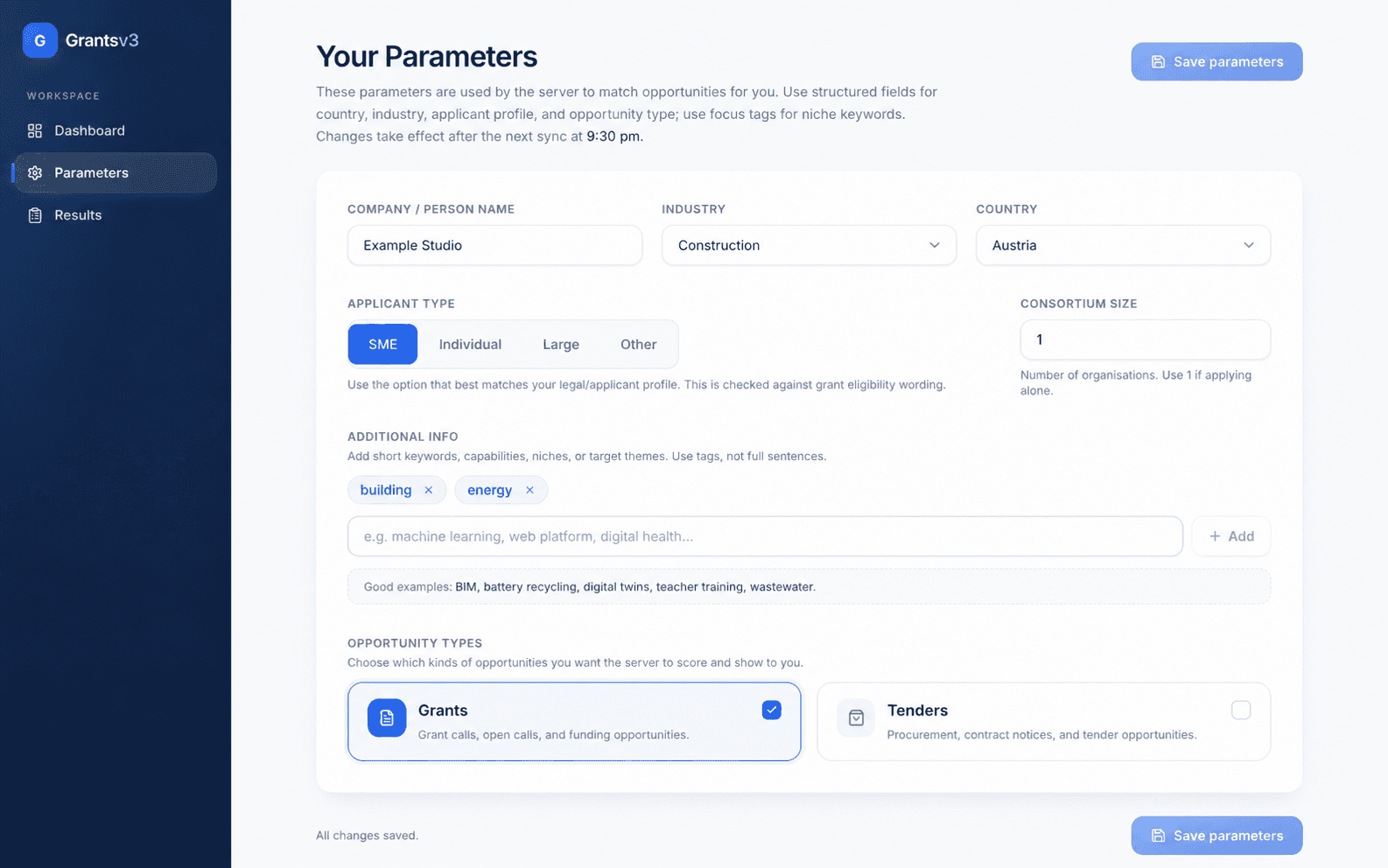
Define what fits your organisation. HATT Scout screens grants and tenders against those parameters and brings the relevant results into one focused view.
Grants & tenders
Structured profiles
Scheduled matching
Versioned criteria
STRUCTURED PARAMETERS
Tell Scout what fits.
Country, industry, applicant profile and focus areas become one reusable matching profile.
HOW IT WORKS
From a broad search to a focused result set.
- 01
Set country, industry, applicant type, consortium size and focus tags.
- 02
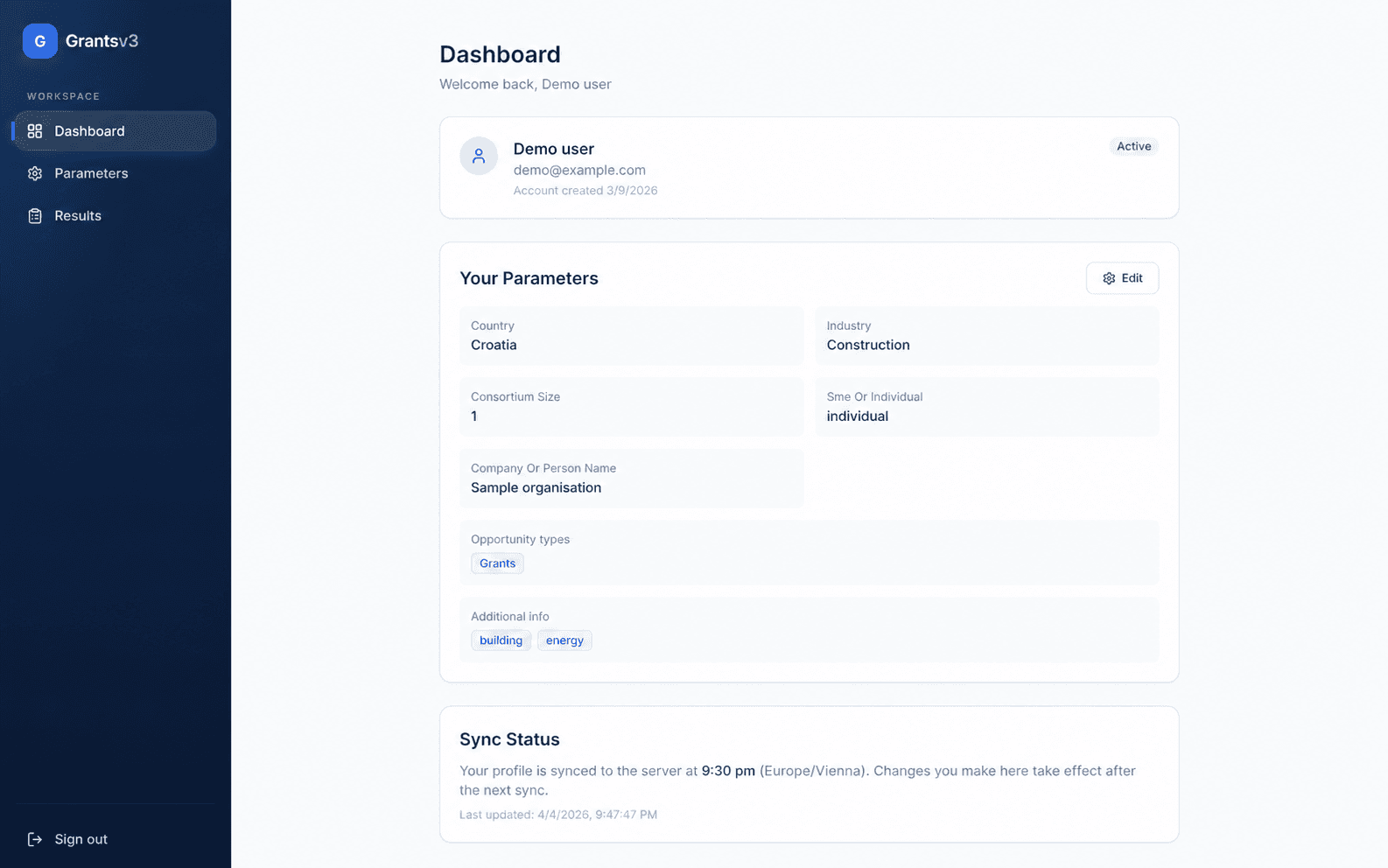
The server applies the saved parameters after the next scheduled sync.
- 03
Relevant grants and tenders appear in the Results workspace.
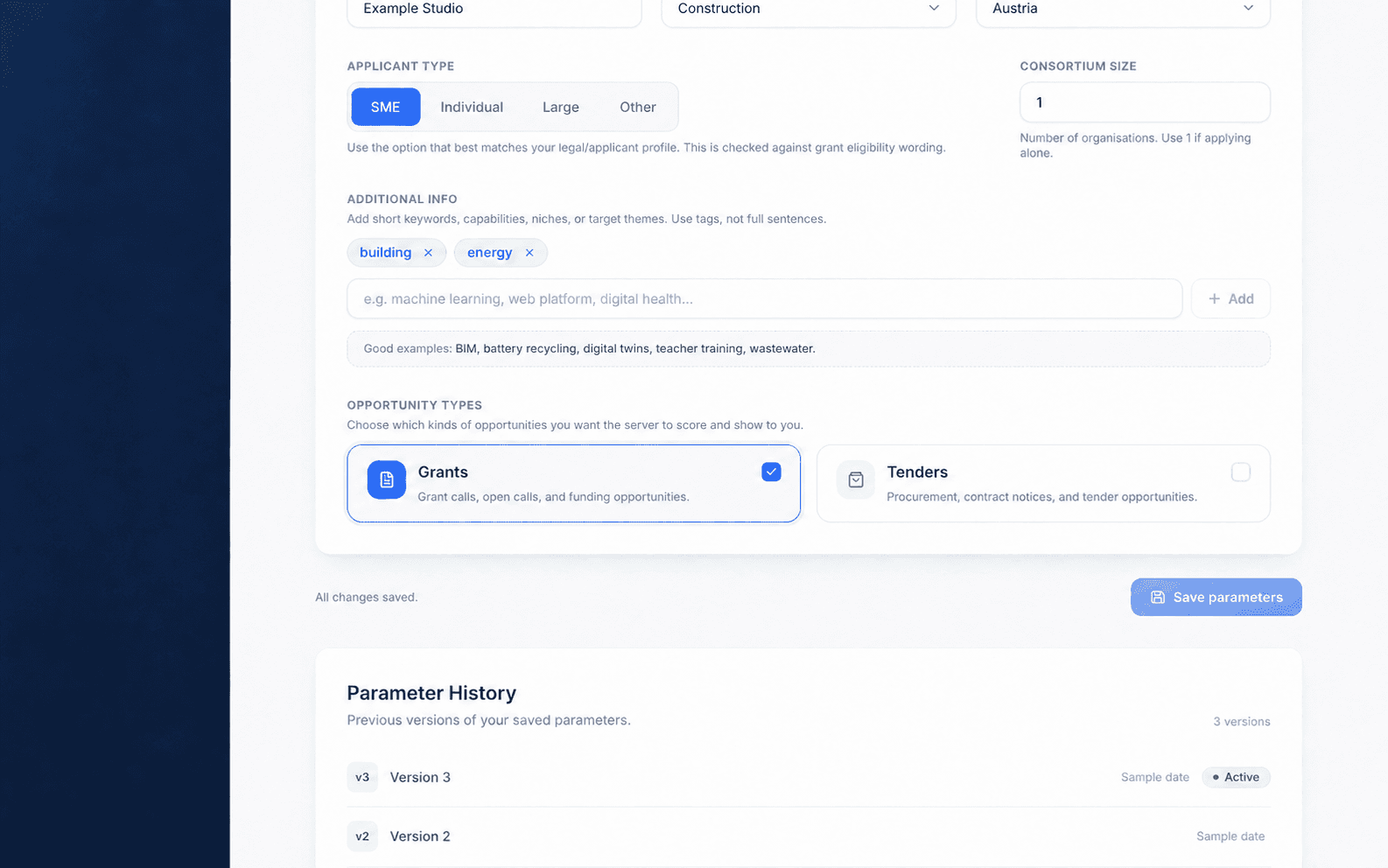
VERSIONED CRITERIA
Your criteria never become a mystery.
Every saved version stays visible and easy to revisit.
- Version 33/16/2026, 7:24:39 AMActive
- Version 23/15/2026, 8:02:02 PM
- Version 1Earlier saved version
HONEST PRODUCT BEHAVIOUR
No false certainty.
Scout distinguishes an unavailable feed from a valid search with no matches.
An unavailable source is shown as unavailable - not quietly presented as an empty successful search.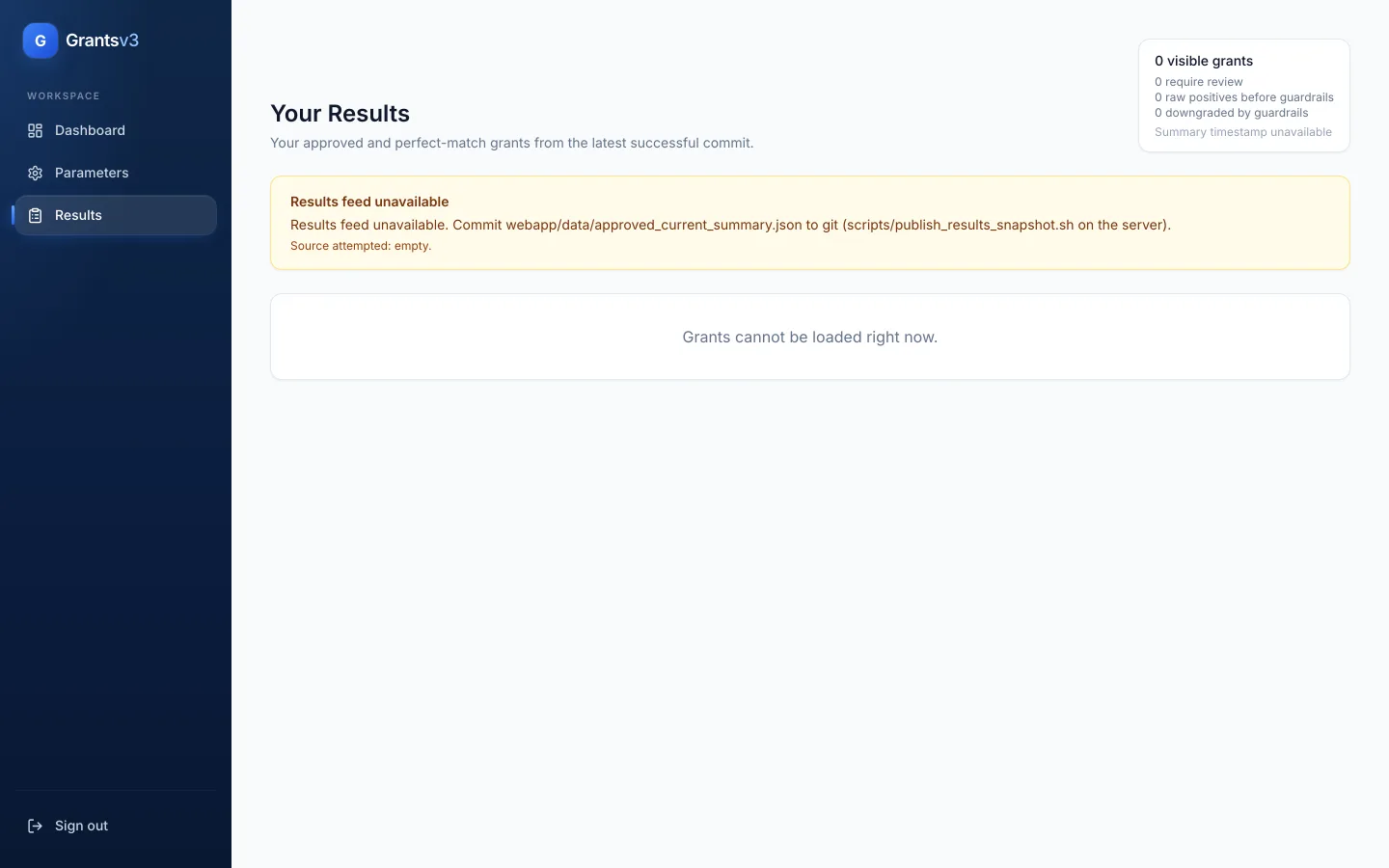
REPEATED SEARCH
Built for teams that search repeatedly.
Run structured searches for organisations you advise.
Set consortium size and review relevant calls and tenders.
PRIVATE ACCESS
Find the opportunities that fit the work you already do.
Inside the product
From a company profile to relevant opportunities.
Workflow in context
Follow a saved profile through matching
- Input
- Country, industry, applicant type, consortium size and focus tags define the organisation profile shown in the Parameters workspace.
- Process
- Saved criteria retain their version history. The server applies the parameters after the scheduled sync shown in the interface.
- Output and review
- The Results workspace shows matching opportunities. An unavailable feed is distinguished from a successful search with no matches.
The screenshots show the working interface with sample data. Scout is available through private access; matching does not guarantee eligibility or funding.
Read the product story