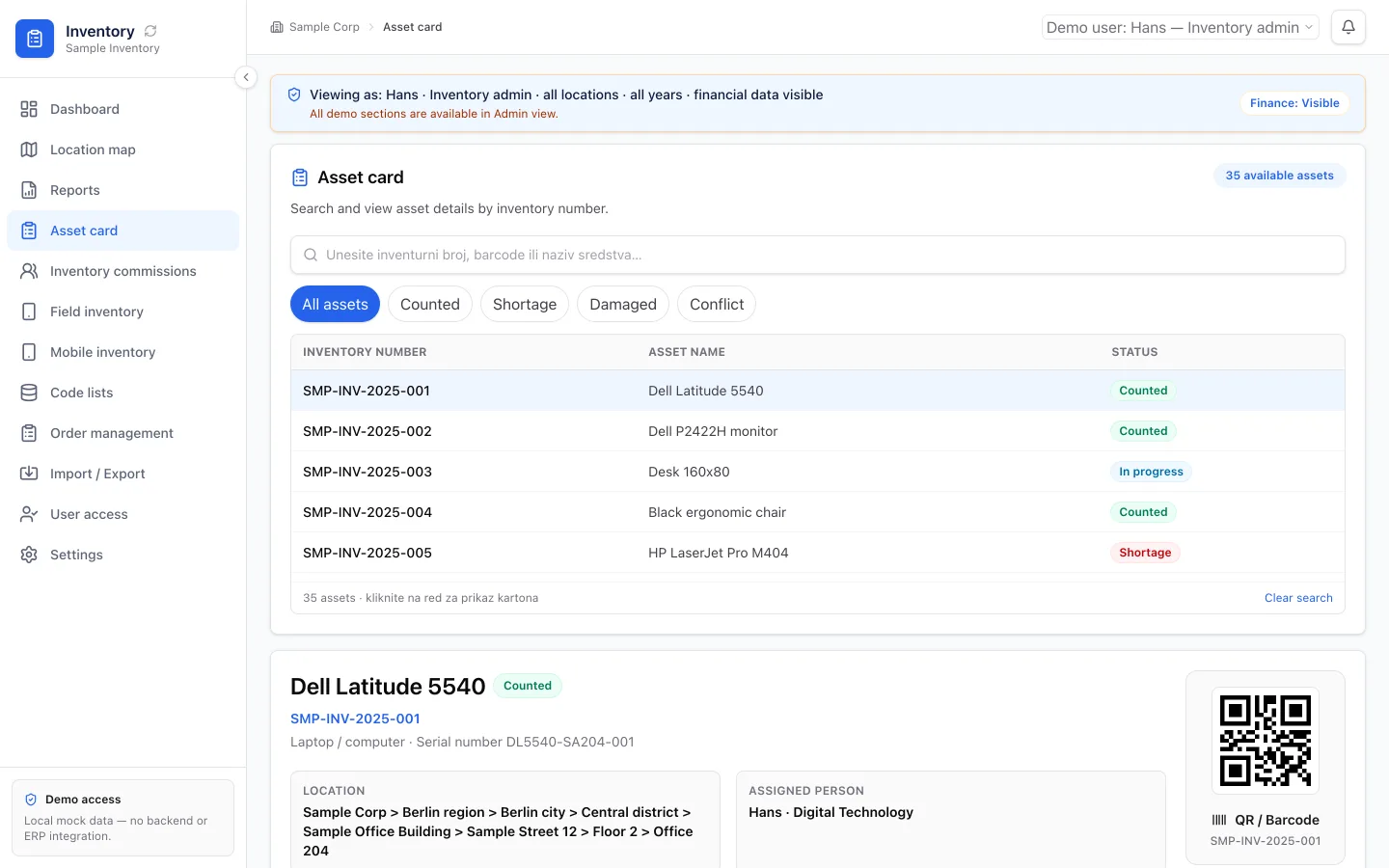
Manual workflows usually start for a good reason. A team needs to move quickly, so people use spreadsheets, email, chat, shared folders, and memory. The process works because people make it work.
But as the company grows, the manual process starts to show its limits. The team spends more time coordinating the work than doing the work. That is the moment to ask whether the workflow should become internal software.
Step 1: Write The Process In Plain Language
Do not start with technology. Start with the current workflow.
Write down:
- What starts the process.
- Who touches it.
- What information is collected.
- Where data is copied.
- What decisions happen.
- What approvals are needed.
- What output matters.
- Where mistakes happen.
This simple map makes the real product visible.
Decision Framework: Manual Process Or Internal Software
Use this checklist before building:
- Confirm the same process runs every week with the same roles.
- Count the handoffs that currently live in email, chat, or spreadsheets.
- Name the report or status view leadership cannot get without chasing people.
- Decide whether a dashboard, portal, internal tool, or small SaaS MVP fits the core pain.
- Scope the first version around one workflow owner and one primary outcome.
If steps 1 through 3 are true, keep expanding spreadsheets only as a temporary bridge. Build software when the coordination cost is permanent.
Spreadsheets break as companies grow for the same reason: the tool stays simple while the process does not.
Step 2: Identify The System Type
Not every workflow needs the same solution.
If the main pain is reporting, the first version may be a dashboard.
If the main pain is outside users submitting or tracking information, the first version may be a custom portal.
If the main pain is internal handoff and status, the first version may be an internal tool.
If the workflow could become a product sold to others, the first version may be a SaaS MVP.
If the process includes documents, text, classification, summaries, or repeated drafting, practical AI may help inside the workflow.
Step 3: Scope The First Useful Version
The first version should solve the core workflow, not every edge case.
A good first version answers:
- Who logs in?
- What can each role see?
- What data is created or updated?
- What status changes matter?
- What needs approval?
- What does the dashboard show?
- What notifications are necessary?
- What report or export is required?
This keeps the project buildable and useful.
Failure Mode
Teams often fail here:
- They start with a feature list instead of naming who owns exceptions.
- They rebuild every spreadsheet column instead of the core intake and status loop.
- Users abandon the tool after launch because reporting still depends on side channels.
If those appear, shrink scope to one role path and one trusted export before adding more screens.
Tradeoff
Stay manual when the process is rare, low risk, and cheap to coordinate by hand. Build internal software when the workflow is frequent, multi-role, and already burning coordination time every week.
Step 4: Keep AI Practical
AI is valuable when it has a defined job. In internal software, that might mean:
- Extracting data from documents.
- Summarizing long notes.
- Classifying requests.
- Suggesting next actions.
- Drafting internal responses.
- Checking for missing fields.
AI should make a clear workflow faster or easier. It should not make an unclear workflow look modern.
Step 5: Build Around Real Use
The product should be tested against the people who will actually use it. If the system does not fit their daily workflow, they will return to spreadsheets and messages.
That is why product design matters. Internal software still needs clear UX, reliable data, admin controls, and a path for improvement.
A Simple Decision Flow
Manual-to-software path: map process -> choose system type -> scope first useful version -> keep AI practical -> validate with real users -> improve with reporting and ownership.
FAQ
When should a manual workflow become internal software?
When the same multi-role process repeats weekly, handoffs live in email or spreadsheets, and leadership cannot get status without chasing people.
What should the first version include?
Login/roles, core intake or status path, the critical approvals, and one report or export that replaces the current chase.
Should every company start with AI?
No. Map and structure the workflow first. Add AI only where a defined task improves throughput under review.
Practical Next Step
Pick one recurring manual process. Write the trigger, owners, handoffs, and the report you cannot produce today. Then choose whether the first build is a dashboard, portal, internal tool, or focused automation.
Book a product scoping call if you want help deciding the first version. Review HATT products and custom software services when you are ready to scope the build.